From your first move to your first tournament
Courses from beginner to club level, rated puzzles, a five-minute sprint, an openings trainer and endgame studies — one path and one rating that grows with you. The school opens straight in your browser; there is nothing to install.
CheSchool is on the App Store
The same school as an app: the course, openings, trainers and the bot. Sign in with the phone number you use on the website and your rating and games come with you.
What's new in version 1.0.1
- The school moved to its own server: puzzles, openings, games and progress now live there. Your rating and completed lessons are kept.
- A finished game with a friend by link can now be reviewed with the coach.
- Games by link recover better from connection drops.
- Lessons, openings and endgames open offline — the ones you opened last.
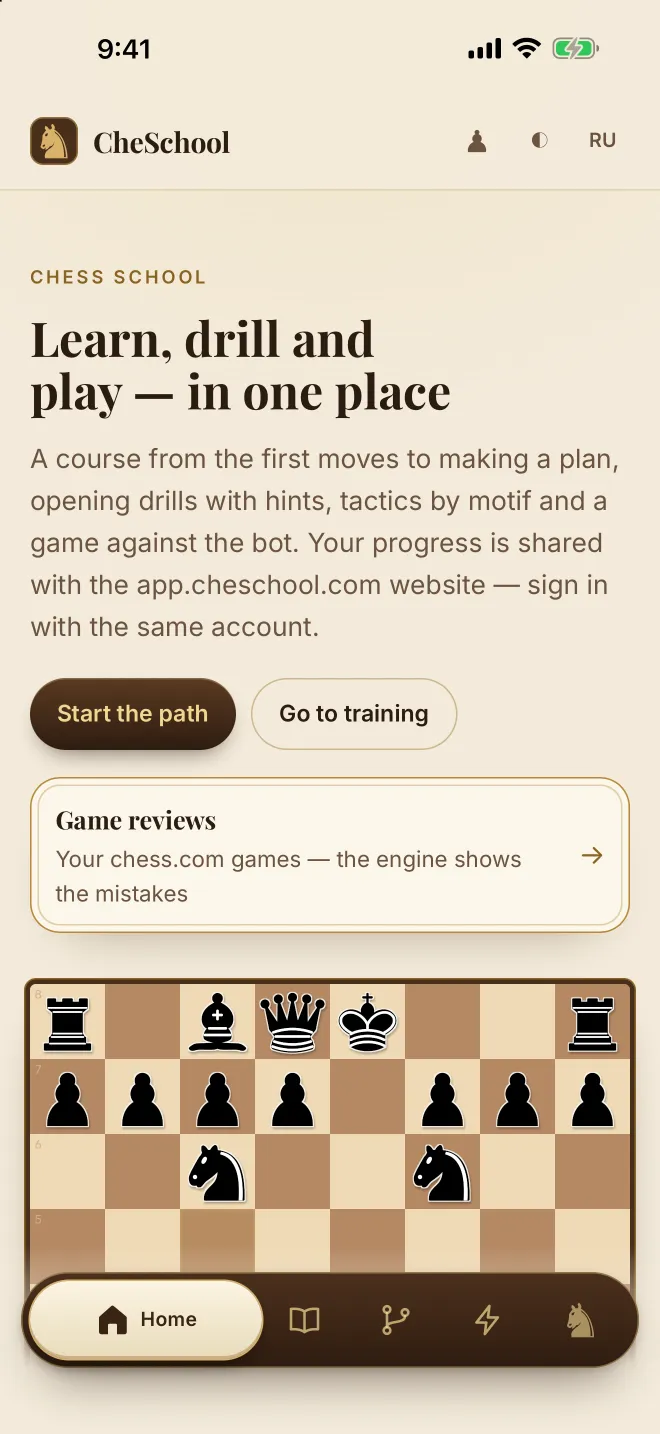
Learn, train, play — in that order, every week
Most people watch lessons and then forget them. CheSchool ties every lesson to a trainer and every trainer to a rating, so what you learn today shows up in tomorrow’s games.
Learn
Short lessons on an interactive board: one idea, a few positions, no fluff. Twenty-nine lessons are open today, in four modules from the rules to the endgame.
Train
Puzzles matched to your rating, a five-minute sprint, “What hangs?” for board vision, endgame studies and an openings trainer that quizzes you move by move.
Play
Play the bot or send a friend a link — right inside the school — and go through the game the moment it ends. Tournaments are next.
Four levels, one path
Each level is a set of lessons plus the trainers that go with it. Start at any level and read in any order: finished lessons get a tick, and the trainer picks puzzles by your rating.
Beginner
- Rules, notation, how the pieces move
- Checkmate with queen, rook and two rooks
- Value of the pieces and simple exchanges
- First puzzles: mate in one, free piece
Tactics
- Forks, pins, skewers, discovered attacks
- Calculating two and three moves ahead
- Board vision: “What hangs?” and the Sprint
- Opening principles without memorising
Openings & plans
- A repertoire for White and for Black
- Italian, Ruy Lopez, Sicilian, Queen’s Gambit
- Typical middlegame plans and pawn structures
- Reviewing a game move by move right after you play it
Endgames & tournaments
- King and pawn endings, rook endings
- Technique: converting an advantage
- Time management in blitz and rapid
- Tournaments — the next step
Practice that keeps score
Every trainer opens in the browser and counts toward your rating, kept on the school server — sign in on another device and it is all there. That is why progress here is a number, not a feeling.
Puzzles
2.5 million positions from real games, rated 400 to 3000. The next puzzle is always chosen to match your current rating — never too easy, never hopeless.
Sprint
Five minutes, three mistakes. How many puzzles can you solve before the clock or the third miss stops you? The best way to build speed.
What hangs?
Ten seconds per position: find the piece that can be taken for free. Board vision is the skill that separates 800 from 1200, and it is pure repetition.
Endgames
Nine endgame studies in three groups: mate with no pawns on the board, king and pawn, rook and pawn. You play the position out against the engine until it becomes a habit.
Play the bot
Three levels of opponent, from one that hangs pieces to a club player. A comfortable place to try a new opening — and to check what you have learnt.
Game review
A game against the bot or a friend is reviewed the moment it ends: the turning points and the move you should have played. Load your chess.com games by username in the web school and it reviews them the same way.
Openings
Eleven repertoires: first a walkthrough with a reason for every move, then a memory check — with stars and a repeat a few days later. The next opening unlocks with the stars you earned on the previous one.
Rating & tournaments
Your own Elo rating for blitz and rapid, starting at 1000: games with a clock against a friend by link move it. The puzzle rating is counted separately and shown in your profile. Tournaments are next.
Four openings to start with
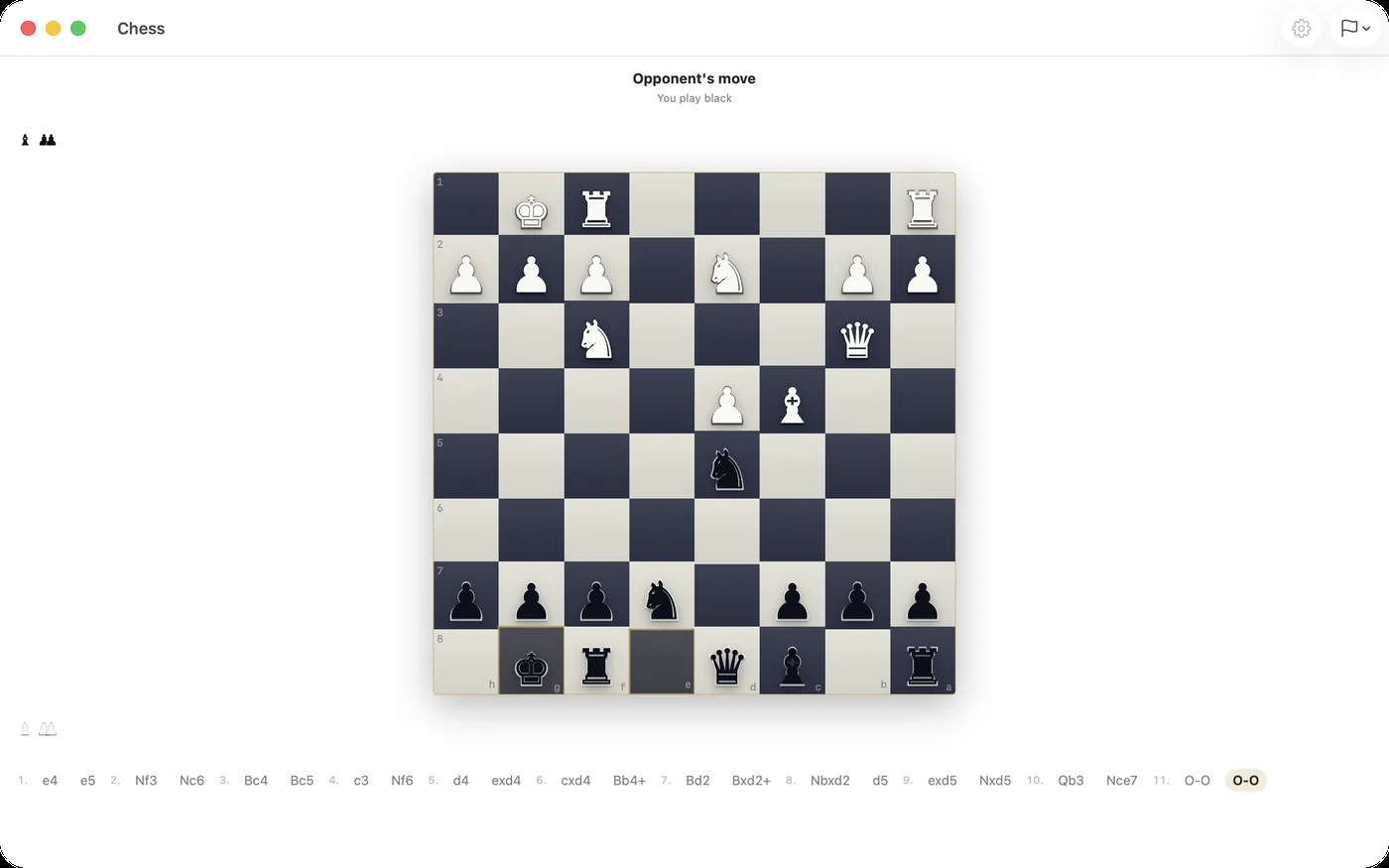
Step through the main line of each opening. Every move has a one-line reason — that is how the trainer inside the school teaches them: understand first, then remember. There are eleven repertoires in there.
Tip: click a move in the list, or use the ← → keys.
Chess in your chats — Dialr
Dialr is our messenger with chess built in. If you and your friends already chat there, play right in the conversation and talk the game over on a call. Lessons, trainers and game review live here, in the school.
- Games with friends in a chat, against the bot or two on one device
- A game rating and the history of your games
- Chess on iPhone, Mac and Android; the same account across the apps
- Free. One account: the number you sign in to the school with is the same one Dialr uses.
Questions people ask
Is this for complete beginners?
Yes. The first module starts with how the pieces move and ends with your first checkmates. Read in any order: finished lessons get a tick, and the trainer picks puzzles by your rating.
What do I need to start?
A browser. Open app.cheschool.com and get going: the account creates itself the first time you open a trainer — no email, no password, no payment. On iPhone and iPad there is also the CheSchool app in the App Store — sign in with the same phone number as on the website.
Where is my progress kept?
Your puzzle rating, openings and games live on the school server: sign in by phone number on another device and they are all there. The ticks for finished lessons and solved endgames are kept by the browser itself, so you will tick them again.
Where do the puzzles come from?
From the open Lichess puzzle database — about 2.5 million positions from real games, each with a rating. Your puzzle rating uses the same scale, so 1200 here means 1200 there.
Can I play a friend?
Yes. Open the “Vs friend” tab, create a link and send it: the game starts as soon as your friend opens it. A game with a clock is rated, one without is just for fun, and afterwards you can go through it with the coach. If you already chat in Dialr, you can also play right in a chat there.
How much does it cost?
Nothing. The whole school is free: lessons, trainers, openings, endgames, games and review. There are no payments, subscriptions or ads.
Solve your first puzzle today
Open the school in your browser — the first puzzle picks itself. Your rating starts the moment you solve it.